



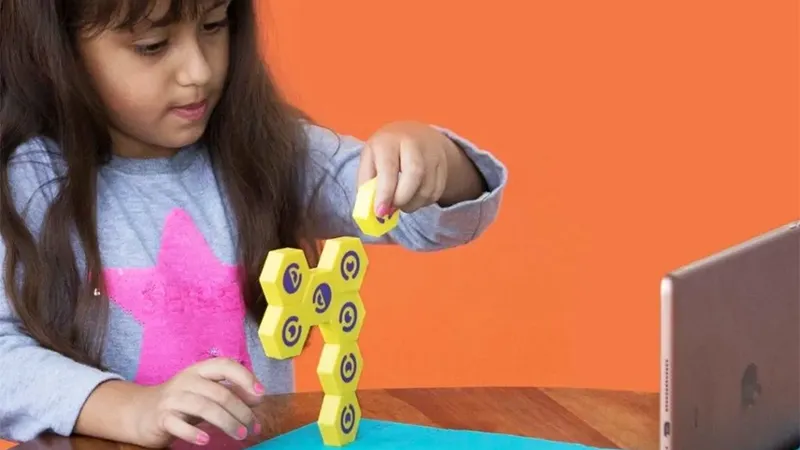
Many parents hear words like programming, coding, and artificial intelligence and think it sounds both scary and difficult. But when it comes to coding for children, it is actually something much simpler than writing complicated lines of code on a computer.
At its core, programming is about solving problems, thinking logically, and understanding how different steps fit together. These are skills children use every day, whether they are building with blocks, following a recipe, or planning how to get through an obstacle course. That is why children can start learning to code long before they can even read or write fluently.
What is coding for children, really?
Coding for children is a way to practice logical thinking, problem-solving, and creativity through activities built on the same principles as programming. The child learns to give instructions in the correct order and understand how different actions lead to different results.
That means coding for children does not have to start in front of a screen. On the contrary, the first steps can be completely analog. For example, if a child is guiding a friend through a room by saying “take three steps forward, turn left, and jump over the pillow,” the child is already using the same kind of sequential thinking that underlies programming.
Why is programming relevant already today?
Since 2017, programming has been part of the Swedish curriculum. The goal is not for every child to become a programmer, but to give them a better understanding of the digital world around us.
We use technology everywhere - in phones, games, apps, cars, and smart homes. By understanding the basics of how digital systems work, children gain better tools to both use and understand the technology around them. In addition, programming builds skills that are useful far beyond the world of computers, such as problem-solving, patience, and analytical thinking.
Step 1: Start with screen-free coding
For the youngest children, it is often best to start without a screen at all. Here, the focus is on understanding sequences, patterns, and instructions rather than technology.
A simple example is setting up a course on the floor where the child gives instructions to a parent or sibling. The child gets to think about which steps are needed to reach the goal. It becomes both playful and educational, while the basics of programming are introduced in a natural way.
This is also where different tactile coding games come in. By moving physical pieces and building instructions with their hands, learning becomes concrete and easy to understand.
Step 2: Introduce interactive coding games
When the child starts to understand the basic principles, it may be time to try more interactive tools. There are several coding games for children that combine physical play with digital feedback.
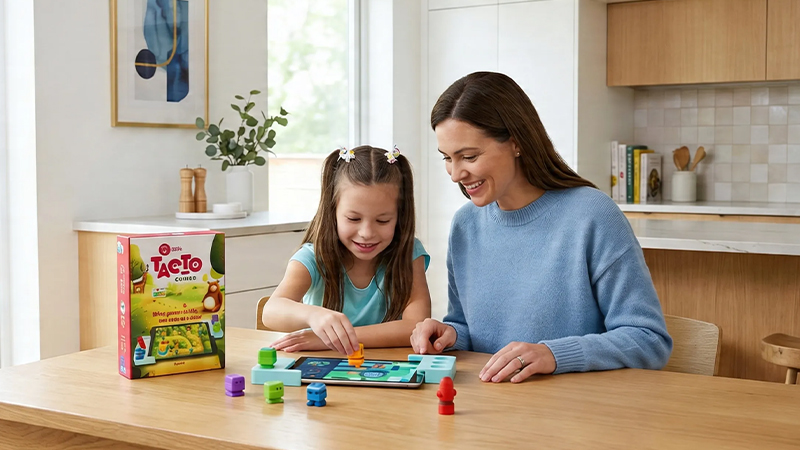
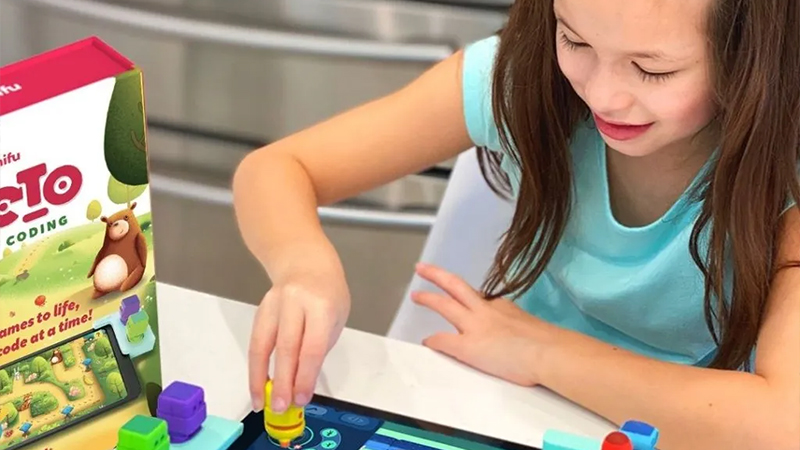
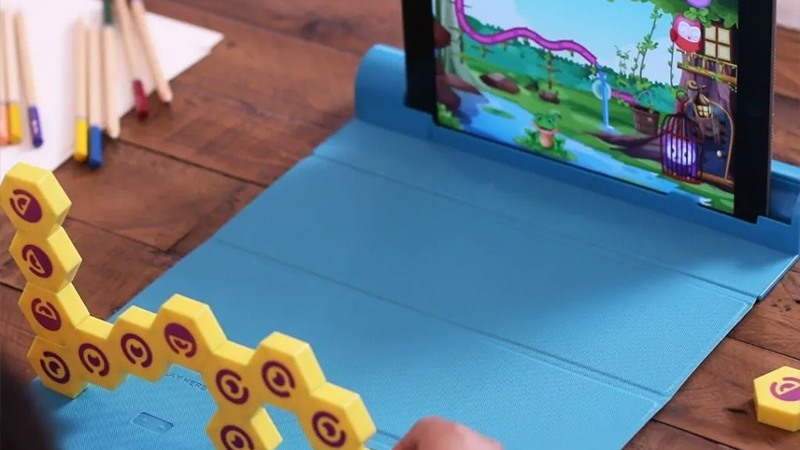
Shifu Tacto Coding is a good example of this. The child uses real game pieces on a table while a tablet shows the result on the screen. That keeps the focus on problem-solving and logic rather than passive screen time.
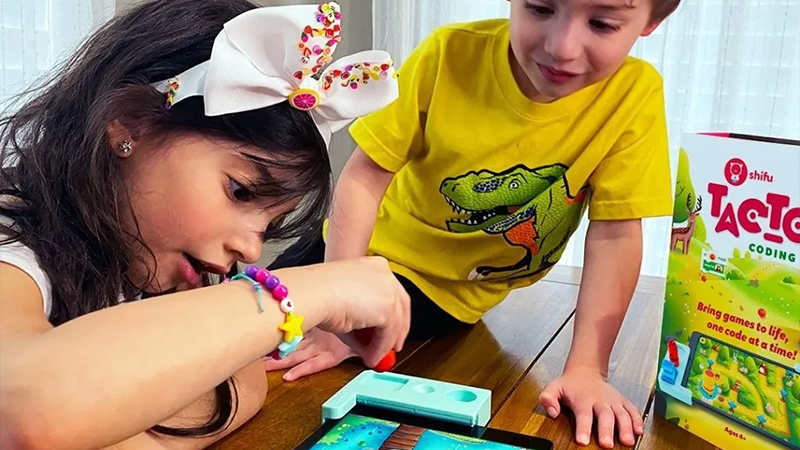
The advantage of this type of solution is that it bridges physical play and digital understanding. The child still gets to use their hands, move objects, and experiment while programming concepts are introduced step by step.
Step 3: Move on to block coding
When the child is around seven to ten years old, block coding can be the next natural step. Here, visual blocks are dragged and dropped to create instructions.
Programs like ScratchJr and Scratch are popular because they make programming easy to understand. Instead of writing code, the child can build programs by putting together colorful blocks that represent different commands.
This is often the point where many children start creating their own games, stories, and animations. At the same time, they learn important programming concepts such as conditionals, loops, and variables without having to deal with advanced syntax.
Step 4: Challenge older children with bigger projects
Once the basics are in place, older children can start working on more advanced projects. These can range from creating their own games to programming small robots or building interactive stories.
What matters is not how advanced the technology is, but that the child gets to solve problems and think independently. Many children also find it especially motivating when they get to create something of their own that family and friends can actually use or try.
It is also important to remember that all children develop at different speeds. Some take to programming right away, while others see it as a fun complement to other interests.
A simple starting plan for parents
If you want to get started at home, it really does not have to be more complicated than this:
Start with simple logic and sequencing games without a screen. Introduce a tactile coding game that combines play and learning. Try block coding when the child is ready. Encourage personal projects and creative ideas. Focus on problem-solving and curiosity rather than results.
The most important thing is to make coding enjoyable. Children who get to experiment and make mistakes often learn faster than children who feel they have to get everything right from the start.
Summary
Coding for children is not primarily about computers. It is about developing logical thinking, creativity, and problem-solving skills. By adapting activities to the child’s age, programming becomes something natural and fun rather than difficult and technical.
For many families, a combination of screen-free activities, tactile coding games, and simple block coding is the best way into the world of programming. It lets the child build understanding step by step while learning still feels like play.
FAQ
At what age can children start coding?
Many children can start practicing programming thinking from the age of four or five through simple sequencing games, logic games, and screen-free activities.
Does my child need to be able to read to learn programming?
No. Many coding games for children use symbols, pictures, and physical objects instead of text, which means even younger children can take part.
Do we need a computer at home?
Not necessarily. Screen-free coding is often an excellent place to start. There are also many games that use a tablet together with physical components.
Is programming difficult for children?
No. If the content is adapted to the child’s age, programming often feels as natural as building with blocks or solving puzzles.
What skills does coding develop?
Children practice logical thinking, problem-solving, creativity, patience, planning, and the ability to break larger problems into smaller parts.